
 Key Type Key Type | Retail Key |
|---|---|
 Region Region | Global |
| Availability | ✅ In stock |
 Delivery: Delivery: | This product is delivered instantly! |
|---|
This Windows 10 Home key is a genuine Retail product key for one PC. It activates Windows 10 Home on a new or existing installation, and it’s emailed right after payment. On eligible PCs you can move to Windows 11 for free and keep your activation.
What’s in Windows 10 Home
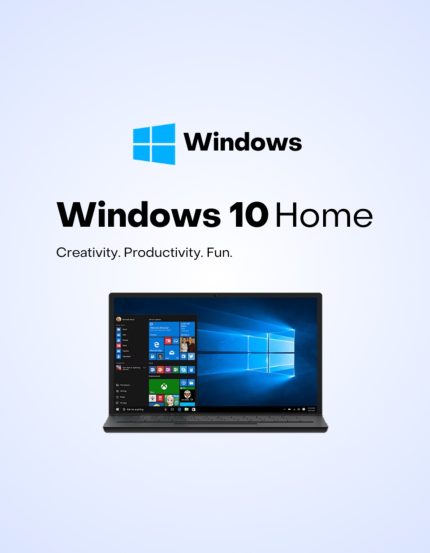
Windows 10 Home is the everyday edition of Windows 10, for home, school and gaming:
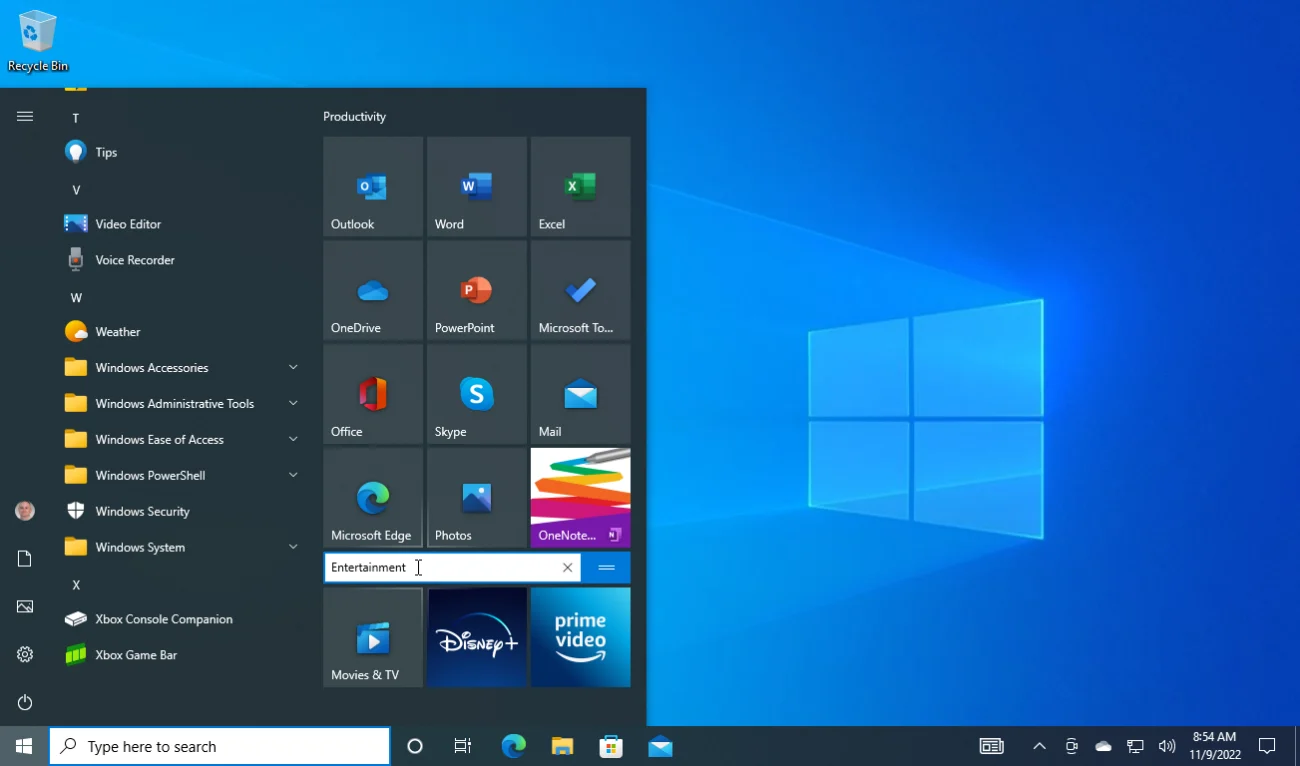
- The Start menu with live tiles, the taskbar and virtual desktops.
- Windows Security with Microsoft Defender Antivirus and the firewall, built in.
- Windows Hello sign-in with your face, a fingerprint or a PIN on supported devices.
- DirectX 12, Game Mode and the Xbox app for PC gaming.
It runs on PCs that don’t meet Windows 11’s hardware requirements, such as TPM 2.0, and on a PC that does, the same key also activates Windows 11 Home. For BitLocker, Remote Desktop into the PC and other business tools, choose a Windows 10 Pro key.
What you get
Your 25-character Windows 10 Home Retail product key for one PC, emailed right after payment together with our installation and activation guide. It’s a one-time purchase with no subscription.
Windows 10 Home key price
Microsoft stopped selling Windows 10 in January 2023. Here is its current Windows 11 Home price next to ours:
| Seller | What you get | Price |
|---|---|---|
| Microsoft Store (US) | Windows 11 Home, digital download (Windows 10 is no longer sold) | $139 |
| GGKeys | Windows 10 Home Retail key for 1 PC, emailed after payment | $16 |
| GGKeys | Windows 11 Home Retail key for 1 PC | $23 |
Microsoft’s price is the list price in its US store. Our prices are shown in your currency, as one-time payments.
Windows 10 Home or Windows 11 Home?
Microsoft ended support for Windows 10 on 14 October 2025. For personal PCs, its Extended Security Updates (ESU) program keeps security updates coming until 12 October 2027, free if you sync your PC settings with a Microsoft account. Choose Windows 10 Home if your PC doesn’t meet Windows 11’s requirements or your software needs Windows 10. If your PC can run Windows 11, a Windows 11 Home key gets you the current version, with updates beyond 2027.
How to activate Windows 10 Home
- Open Settings → Update & Security → Activation.
- Select Change product key and enter the 25-character key from your order email.
- Select Next, then Activate. Windows confirms the activation within a few seconds.
Installing on a new PC or a new drive? Download Windows 10 from Microsoft’s official download page, choose Windows 10 Home during setup, and activate afterwards. Full walkthrough: Windows 10 installation and activation guide.
System requirements
| Component | Minimum Requirement |
|---|---|
| Processor | 1 GHz or faster processor or SoC |
| RAM | 1 GB for 32-bit or 2 GB for 64-bit |
| Hard Disk Space | 32 GB or larger |
| Graphics | DirectX 9 or later with WDDM 1.0 driver |
| Display | 800 x 600 resolution |
| Internet Connection | Internet connectivity is required to perform updates and to download and take advantage of some features |
Windows 10 Home key FAQ
How many PCs can I activate with one key?
One. Each Windows 10 Home key activates one PC.
Is this a Retail or OEM key?
Retail. An OEM key is locked to the first PC it activates; under Microsoft’s license terms, a Retail license can be moved to another PC you own, one PC at a time.
Is it a lifetime license?
Yes. It’s a one-time purchase with no expiry and no subscription.
How much does a Windows 10 Home key cost?
Microsoft no longer sells Windows 10; its current Windows 11 Home costs $139 in its US store. A genuine Windows 10 Home Retail key from GGKeys costs $16, a one-time payment with no subscription.
Are cheap Windows 10 Home keys legit?
Some are and some aren’t, so check the seller first: a registered company, a stated license type, and a replacement or refund if the key doesn’t work. GGKeys is run by GGKEYS LTD, a company registered in Bulgaria, in the EU. Our Windows 10 Home keys are genuine Retail keys that activate online with Microsoft, and if one doesn’t work, we fix it or refund you within 14 days. You can read our customer reviews on Trustpilot.
Does Windows 10 still get security updates?
Microsoft ended support for Windows 10 on 14 October 2025. Personal PCs can still get security updates until 12 October 2027 through Microsoft’s Extended Security Updates (ESU) program, which is free if you sync your PC settings with a Microsoft account. Windows 10 keeps working after that.
Can I upgrade to Windows 11 for free?
Yes, if your PC meets Windows 11’s hardware requirements: an activated Windows 10 Home PC can upgrade to Windows 11 Home at no cost through Windows Update.
Can I upgrade to Windows 10 Pro later?
Yes. Enter a Windows 10 Pro key in Settings → Update & Security → Activation → Change product key. Your files and apps stay, and you don’t need to reinstall.
How fast will I get my key?
By email, right after payment. If it hasn’t arrived within a few minutes, check your spam folder, then contact us.
What if my key doesn’t activate?
Contact our support within 14 days with your order number, as described in our refund policy. We’ll fix the problem or replace the key, and if no working solution is possible, we’ll refund you.
 Overview
| Client | Microsoft |
|---|---|
| Language | Multilingual |
| Key Type | Retail Key |
 Platform Platform | PC |
| Publisher | Microsoft |
| Region | Global |
| Release Date | July 29, 2015 |
| Delivery: | This product is delivered instantly! |
| Availability | ✅ In stock |
| Devices | 1 PC |
| Architecture | 32-bit or 64-bit |
| Activation | Online, in Windows Settings |
Discounted Games


Anno 117: Pax Romana
Price range: $63 through $91
ARC Raiders
Price range: $46 through $69

Battlefield 6
Price range: $74 through $103
Broken Arrow (Steam)
Price range: $46 through $54More Like This







Crystal –
Quick and easy. I was sceptical but did it anyway. Windows got actived quickly and no problems.
David Zwane –
Good
JEAN DE DIEU –
WINDOW 10 TO SET UP THE HP PRINTER
JEAN DE DIEU –
VERY EASY
vitarnan –
nice