
 Key Type Key Type | Retail Key |
|---|---|
 Region Region | Global |
| Availability | ✅ In stock |
 Delivery: Delivery: | This product is delivered instantly! |
|---|
Discover the seamless efficiency of upgrading your operating system with a Windows 10 Home Key. This key is your gateway to unlocking a world of new features, enhanced security, and improved performance. Whether you are upgrading your system or setting up a new PC, a genuine Windows 10 Home key ensures quick activation, providing instant access to all of Windows 10’s essential home capabilities.
Why buy a Windows 10 Home key?
- Windows 10 Home includes Windows Hello, so you can sign in with your face, fingerprint or a PIN instead of a password.
- It comes with Microsoft Edge, a fast and secure browser with built-in tools like Immersive Reader for distraction-free reading.
- Windows 10 Home supports Continuum, allowing seamless transition between desktop and tablet modes for optimal user experience on 2-in-1 devices.
Windows 10 Home represents Microsoft’s versatile operating system tailored for home users, combining familiarity with innovative features to enhance daily computing experiences. Designed to be user-friendly and efficient, Windows 10 Home offers a seamless transition for users familiar with earlier Windows versions while integrating modern advancements like Windows Hello, Microsoft Edge, and enhanced security features. With a focus on productivity and accessibility, Windows 10 Home provides a flexible platform that adapts to diverse user needs, whether for casual web browsing, multimedia entertainment, or productive tasks, making it an ideal choice for personal computing needs in today’s digital age.
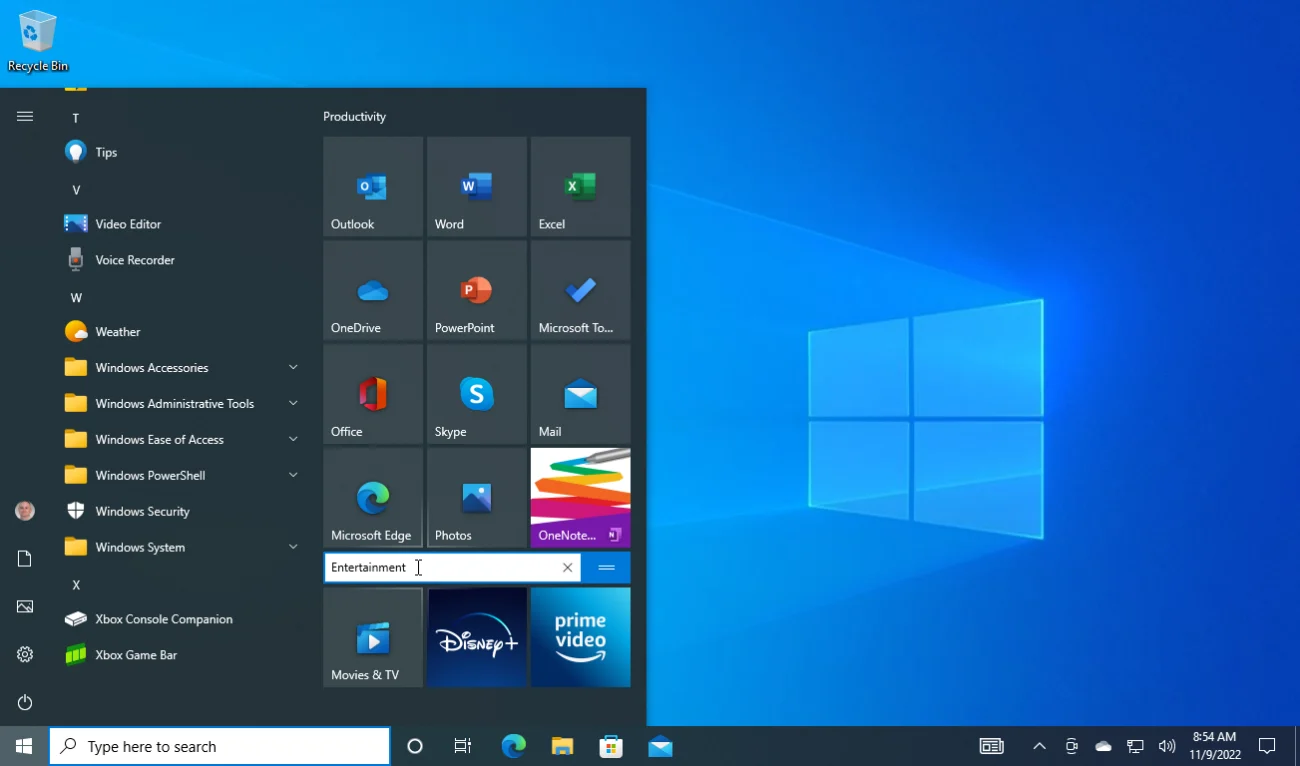
Windows Hello Sign-in
Windows 10 Home includes Windows Hello, so you can sign in with your face, fingerprint or a PIN on supported devices instead of typing a password. It’s quicker than a password, and Windows Hello keeps your biometric data on your device.
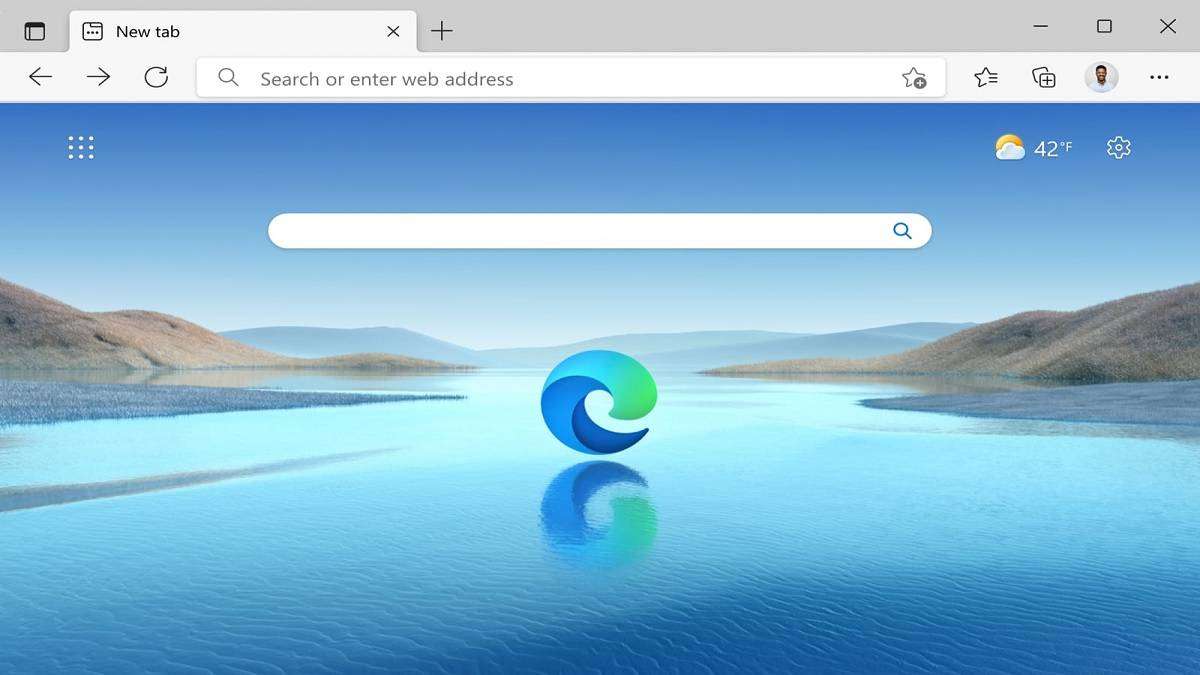
Microsoft Edge Browser
Windows 10 Home comes with Microsoft Edge, a fast and secure web browser designed to provide a more streamlined browsing experience. Edge includes Immersive Reader, which removes clutter for easier reading, and a built-in PDF reader that lets you highlight and draw on documents.
Continuum Mode
Windows 10 Home supports Continuum, a feature that optimizes the user interface depending on the device type. This is particularly useful for 2-in-1 devices like convertible laptops and tablets, automatically switching between desktop and tablet modes to provide the best user experience based on how the device is used at any given moment.
Features:
- Familiar Interface: Windows 10 Home brings back the beloved Start Menu, making it easy to navigate and access your favorite apps and files.
- Voice Typing: Dictate text into any text box by pressing the Windows logo key + H.
- Microsoft Edge Web Browser: Browse the internet faster and with improved security features, ensuring a safer online experience.
- Windows Hello: Use facial recognition or fingerprint authentication to log in quickly and securely, eliminating the need for passwords.
- Microsoft Store: Access a wide range of applications, games, and entertainment options from the Microsoft Store.
Benefits:
- User-Friendly Experience: The intuitive interface of Windows 10 Home makes it easy for anyone to use, whether for work, entertainment, or staying connected.
- Enhanced Security: Windows 10 Home includes built-in security features like Microsoft Defender Antivirus, protecting you from malware and other threats.
- Seamless Compatibility: Windows 10 Home integrates seamlessly with other Microsoft services and devices, such as OneDrive and Microsoft Office, enabling a cohesive and efficient workflow.
- Security Updates Until 2027: Personal PCs can keep getting security updates until 12 October 2027 through Microsoft’s Extended Security Updates (ESU) program.
Choose Windows 10 Home for a user-friendly operating system that blends familiarity with modern innovation. With features like Windows Hello, Microsoft Edge, and Continuum, Windows 10 Home enhances productivity and adapts to various devices effortlessly. Enjoy a secure and personalized computing experience with regular updates and robust built-in security features. Whether for work, entertainment, or staying connected, Windows 10 Home provides a versatile platform that supports your everyday tasks and evolves with your needs, making it an ideal choice for home users seeking reliability and ease of use.
Get a Genuine Windows 10 Home Key with Online Activation
Purchasing a genuine Windows 10 Home Key is a crucial step toward ensuring your software is validated and fully operational without any hassles. These keys offer the advantage of online activation, making the process both swift and secure. Typically, the activation takes only 1-2 minutes, which means you can unlock all of Windows 10 Home’s features almost immediately after purchase. This quick and easy method saves you time and gets your system up and running with genuine Microsoft software in no time.
What you get
Your 25-character Windows 10 Home Retail product key for one PC, emailed right after payment together with our installation and activation guide. It’s a one-time purchase with no subscription.
Windows 10 Home key price
Microsoft stopped selling Windows 10 in January 2023. Here is its current Windows 11 Home price next to ours:
| Seller | What you get | Price |
|---|---|---|
| Microsoft Store (US) | Windows 11 Home, digital download (Windows 10 is no longer sold) | $139 |
| GGKeys | Windows 10 Home Retail key for 1 PC, emailed after payment | ¥107.00 |
| GGKeys | Windows 11 Home Retail key for 1 PC | ¥153.00 |
Microsoft’s price is the list price in its US store. Our prices are shown in your currency, as one-time payments.
Windows 10 Home or Windows 11 Home?
Microsoft ended support for Windows 10 on 14 October 2025. For personal PCs, its Extended Security Updates (ESU) program keeps security updates coming until 12 October 2027, free if you sync your PC settings with a Microsoft account. Choose Windows 10 Home if your PC doesn’t meet Windows 11’s requirements or your software needs Windows 10. If your PC can run Windows 11, a Windows 11 Home key gets you the current version, with updates beyond 2027.
How to activate Windows 10 Home
- Open Settings → Update & Security → Activation.
- Select Change product key and enter the 25-character key from your order email.
- Select Next, then Activate. Windows confirms the activation within a few seconds.
Installing on a new PC or a new drive? Download Windows 10 from Microsoft’s official download page, choose Windows 10 Home during setup, and activate afterwards. Full walkthrough: Windows 10 installation and activation guide.
System requirements
| Component | Minimum Requirement |
|---|---|
| Processor | 1 GHz or faster processor or SoC |
| RAM | 1 GB for 32-bit or 2 GB for 64-bit |
| Hard Disk Space | 32 GB or larger |
| Graphics | DirectX 9 or later with WDDM 1.0 driver |
| Display | 800 x 600 resolution |
| Internet Connection | Internet connectivity is required to perform updates and to download and take advantage of some features |
If your needs or interests reach beyond what Windows 10 has to offer, and you’re looking to upgrade to the very latest Microsoft has in store, consider exploring a Windows 11 Home key. For those keen on embracing the most current advancements in operating system technology, a seamless transition awaits you. Simply visit Windows 11 Home Key to find your gateway to a world of new features, improved efficiencies, and cutting-edge capabilities tailored for modern computing needs.
Windows 10 Home key FAQ
How many PCs can I activate with one key?
One. Each Windows 10 Home key activates one PC.
Is this a Retail or OEM key?
Retail. An OEM key is locked to the first PC it activates; under Microsoft’s license terms, a Retail license can be moved to another PC you own, one PC at a time.
How much does a Windows 10 Home key cost?
Microsoft no longer sells Windows 10; its current Windows 11 Home costs $139 in its US store. A genuine Windows 10 Home Retail key from GGKeys costs ¥107.00, a one-time payment with no subscription.
Are cheap Windows 10 Home keys legit?
Some are and some aren’t, so check the seller first: a registered company, a stated license type, and a replacement or refund if the key doesn’t work. GGKeys is run by GGKEYS LTD, a company registered in Bulgaria, in the EU. Our Windows 10 Home keys are genuine Retail keys that activate online with Microsoft, and if one doesn’t work, we fix it or refund you within 14 days. You can read our customer reviews on Trustpilot.
Does Windows 10 still get security updates?
Microsoft ended support for Windows 10 on 14 October 2025. Personal PCs can still get security updates until 12 October 2027 through Microsoft’s Extended Security Updates (ESU) program, which is free if you sync your PC settings with a Microsoft account. Windows 10 keeps working after that.
Can I upgrade to Windows 11 for free?
Yes, if your PC meets Windows 11’s hardware requirements: an activated Windows 10 Home PC can upgrade to Windows 11 Home at no cost through Windows Update.
Can I upgrade to Windows 10 Pro later?
Yes. Enter a Windows 10 Pro key in Settings → Update & Security → Activation → Change product key. Your files and apps stay, and you don’t need to reinstall.
How fast will I get my key?
By email, right after payment. If it hasn’t arrived within a few minutes, check your spam folder, then contact us.
What if my key doesn’t activate?
Contact our support within 14 days with your order number, as described in our refund policy. We’ll fix the problem or replace the key, and if no working solution is possible, we’ll refund you.
 Overview
| Client | Microsoft |
|---|---|
| Language | Multilingual |
| Key Type | Retail Key |
 Platform Platform | PC |
| Publisher | Microsoft |
| Region | Global |
| Release Date | July 29, 2015 |
| Delivery: | This product is delivered instantly! |
| Availability | ✅ In stock |
| Devices | 1 PC |
| Architecture | 32-bit or 64-bit |
| Activation | Online, in Windows Settings |
Discounted Games


Anno 117: Pax Romana
Price range: ¥419.00 through ¥609.00
ARC Raiders
Price range: ¥305.00 through ¥457.00
Assetto Corsa Rally
¥214.00
Battlefield 6
Price range: ¥495.00 through ¥686.00
Broken Arrow (Steam)
Price range: ¥305.00 through ¥358.00More Like This
Crystal –
Quick and easy. I was sceptical but did it anyway. Windows got actived quickly and no problems.
David Zwane –
Good
JEAN DE DIEU –
WINDOW 10 TO SET UP THE HP PRINTER
JEAN DE DIEU –
VERY EASY
vitarnan –
nice