Blog
What Is the Best Way to Buy Microsoft Office?

If you’re looking to buy Microsoft Office 2021, the best choice is to secure a genuine license key at a fair price. Office 2021 brings powerful tools like Word, Excel, PowerPoint, and Outlook, making it essential for work, study, and everyday productivity. Choosing the right place to purchase ensures you get a reliable product with smooth installation and activation.
Why Choose Office 2021?
Microsoft Office 2021 is a one-time purchase that gives you lifetime access to the classic Office apps. Unlike Microsoft 365, it does not require a subscription, which makes it a cost-effective solution for individuals, students, and businesses.
Key benefits of Office 2021 include:
- One-time payment with lifetime license.
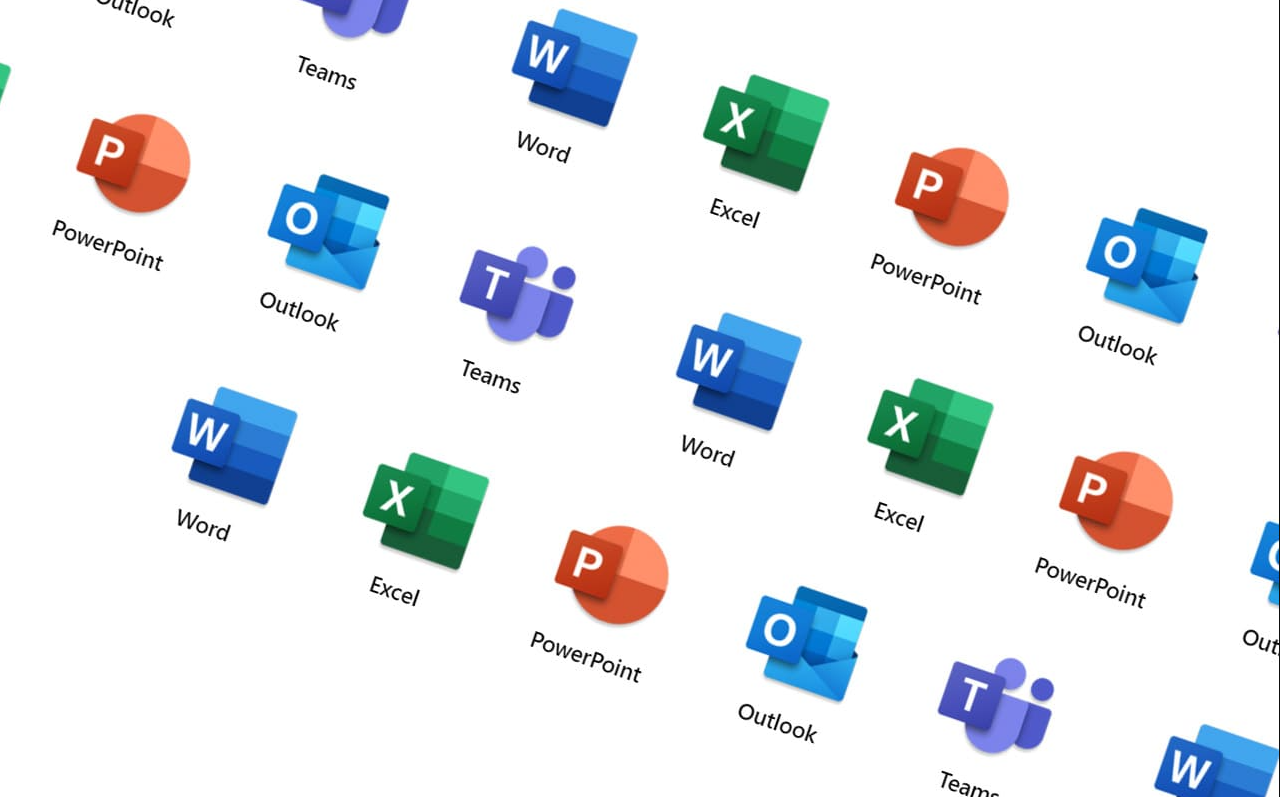
- Essential apps: Word, Excel, PowerPoint, Outlook, and more.
- Full compatibility with Windows 10 and Windows 11.
- Access and Publisher included in Professional Plus.
Office 2021 Professional Plus price
Microsoft doesn’t sell Office 2021 Professional Plus in its online store. Its own one-time Office, Office Home & Business 2024, costs $249.99 in the Microsoft Store (US). On GGKeys, the Office 2021 Professional Plus key costs ¥214, as a one-time payment with no subscription.
The Best Way to Buy Microsoft Office 2021
When buying Office 2021 through GGKeys, you get:
- A genuine Microsoft Office 2021 key.
- Instant email delivery right after your purchase.
- Dedicated customer support to assist with activation or installation.
This process is faster, cheaper, and more convenient than purchasing a physical boxed version.
Easy Guide: How to Buy Microsoft Office 2021 at GGKeys
| Step | Action |
|---|---|
| 1. Visit GGKeys | Go to the Microsoft Office section on the GGKeys store. |
| 2. Select Your Edition | Choose Office 2021 Professional Plus (or another suitable version). |
| 3. Complete Your Purchase | Pay securely by card, or with Link, iDEAL, Bancontact, Przelewy24 or EPS, through Stripe. |
| 4. Receive Your Key | Your license key is instantly sent to your email. |
| 5. Download & Install | Download directly from Microsoft and run the installer. |
| 6. Activate & Use | Enter your key during setup and enjoy lifetime access. |
How to Install and Activate Office 2021
For your convenience, we’ve prepared a detailed step-by-step installation and activation guide.
See full guide here: Office 2021 Installation and Activation Guide
Here’s a quick overview:
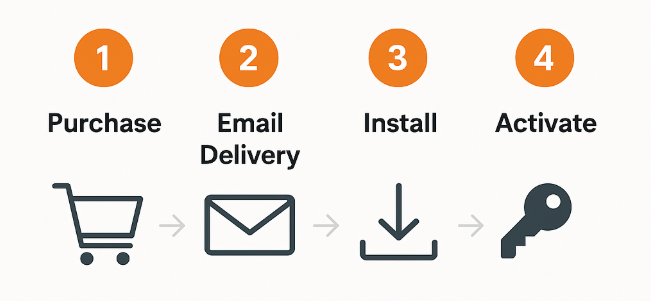
- Finish your purchase and check your email for the product key.
- Download Office 2021 directly from Microsoft’s official site.
- Run the installation and input your product key.
- Open Word, enter the key if Office asks for it, and activate online.
The full linked guide covers every step.
If you’re wondering about the best way to buy Microsoft Office 2021, trust matters as much as price. GGKeys delivers on both: genuine keys, fast delivery, real support and low prices.