
Blog
How to Activate Windows Server 2019 Standard


Selecting the Edition and Installation Type
During the installation process, you will be prompted to select an edition and an installation type.
Choose Windows Server 2019 Standard (Desktop Experience) for the familiar Windows desktop, or Standard without it (Server Core) for a command-line installation. A Standard key activates either one.
Supported Languages
This ISO supports the following languages:
- Chinese (Simplified)
- English
- French
- German
- Italian
- Japanese
- Russian
- Spanish
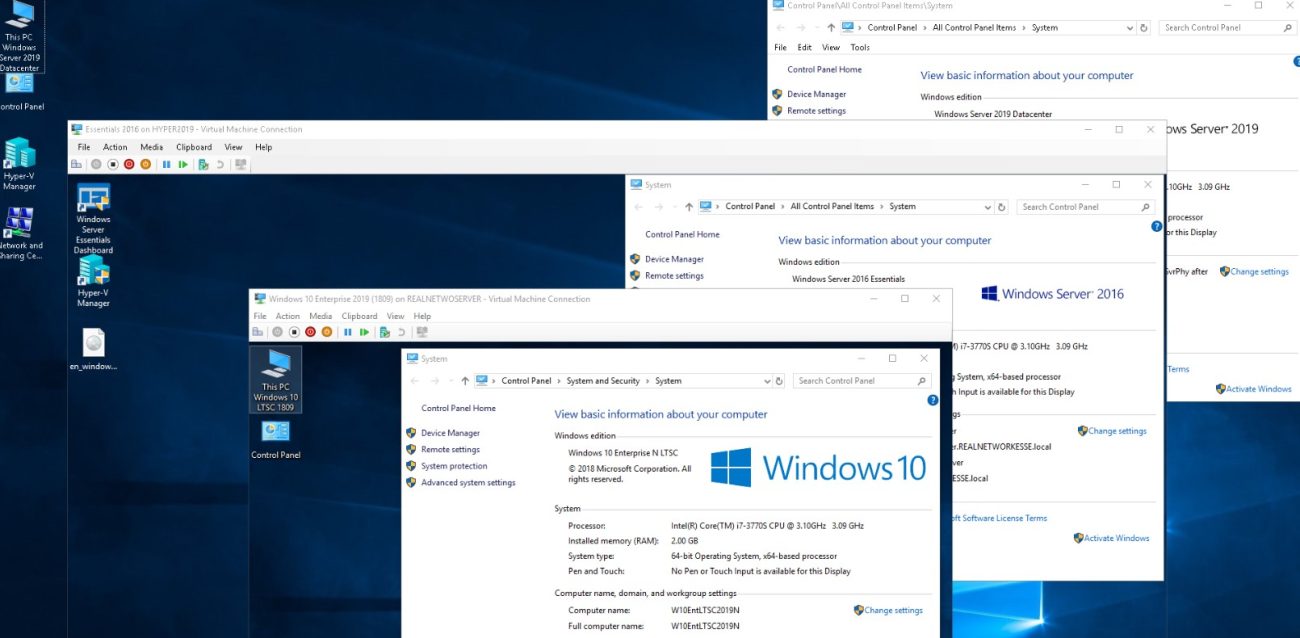
Activating Windows Server 2019 Standard
Step 1: Open Command Prompt
Run Command Prompt as an administrator to ensure you have the necessary permissions.
Step 2: Enter the Activation Command
Enter your product key, then activate online:
slmgr /ipk XXXXX-XXXXX-XXXXX-XXXXX-XXXXX
slmgr /ato
🔹 Replace the “X”s with your actual product key. Windows Server confirms the activation in a pop-up window.
Installed the Evaluation edition? Convert it to the full edition first with this command, then restart when asked:
Dism /online /Set-Edition:ServerStandard /ProductKey:XXXXX-XXXXX-XXXXX-XXXXX-XXXXX /AcceptEulaNeed a key? See our Windows Server 2019 Standard key, emailed right after payment.


