
Blog

Improving Word’ Grammar Checker
Microsoft Word includes a grammar checker that, with a few adjustments, can rival popular tools like Grammarly. While Grammarly offers ...
Creating Mailing Labels in Word from an Excel List
Follow these simple steps to create and print mailing labels using data from an Excel spreadsheet. Mail merge makes it easy to transfer...
Creating Newsletter Columns in Word
Creating a professional newsletter in Microsoft Word can be a breeze with a few simple steps. Here's how to format your newsletter with...
Starting Microsoft Word from the Command Prompt (and Why)
You can launch Microsoft Word from the Command Prompt and use various switches to control how it starts. This is useful for troubleshoo...
How to Change a Microsoft Word Document to a CSV File
If you have a list of data in a Word document and need to convert it into a CSV (Comma Separated Value) format, here's a step-by-step g...
Formatting Superscript or Subscript in Word & PowerPoint
Superscript and subscript text are essential for writing chemical formulas, mathematical equations, and footnotes. Here's how to add an...
Setting Up an Expense Form in Word
Expense forms are essential tools for tracking business trip costs or preparing tax reports. Microsoft Word offers templates to simplif...
Adding Alt Text to Objects in Word
Alt text improves accessibility by allowing screen readers to describe objects to users with visual impairments. Here’s how to use and ...
How to Create a Flowchart in Word
Microsoft Word provides intuitive tools for building flowcharts using shapes and SmartArt graphics. Here's a step-by-step guide to crea...
Using Word’s Learning Tools
Microsoft Word’s Learning Tools, available to Office 365 subscribers, are designed to enhance reading comprehension, fluency, and overa...
Creating a Book in Microsoft Word
Creating a book or booklet in Microsoft Word is easy with the built-in page settings designed specifically for this purpose. Here’s a s...
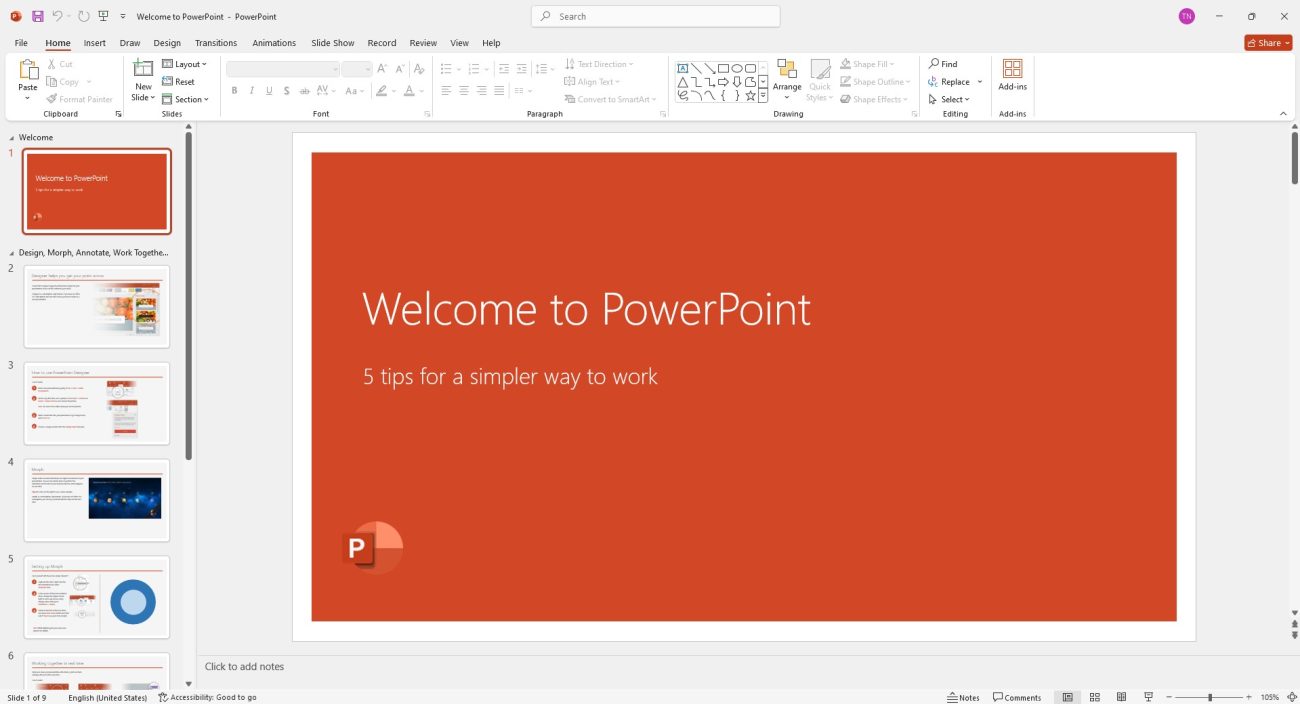
Converting a PowerPoint to Word and Making It Editable
If you want to create presentation handouts in Microsoft Word from your PowerPoint slides, here's a step-by-step guide to easily conver...


